Team Members is a design-focused feature that lets admins monitor each user’s productivity and real-time status (logged in, absent, or late) within a clear, intuitive interface that emphasizes usability and quick access to attendance and performance insights.
Productivity Status includes user's:
FULL NAME - employee's registered or legal name.
HOST NAME - device name that was mostly used by the IT teams.
USER NAME - account name use by the employee to log into the system or device.
STATUS this determine if the user is active or currently offline.
PRODUCTIVE TIME - The total hours/minutes the employee spends on applications or websites classified as “work-related.”
OFFLINE TIME - How long the system was not connected to the monitoring server (e.g., turned off, no internet, or device shutdown).
DESK WORK - Tracks actual hands-on work, the time when keyboard or mouse activity is detected.
ARRIVED AT - Automatic time log it serves as the timestamp when the employee first became active for the day.
LAST ACTIVE APP - The most recent application the employee was actively using (e.g., Word, Outlook, Zoom).
CLIENT VERSION - The version number of the monitoring software installed on the employee’s machine.
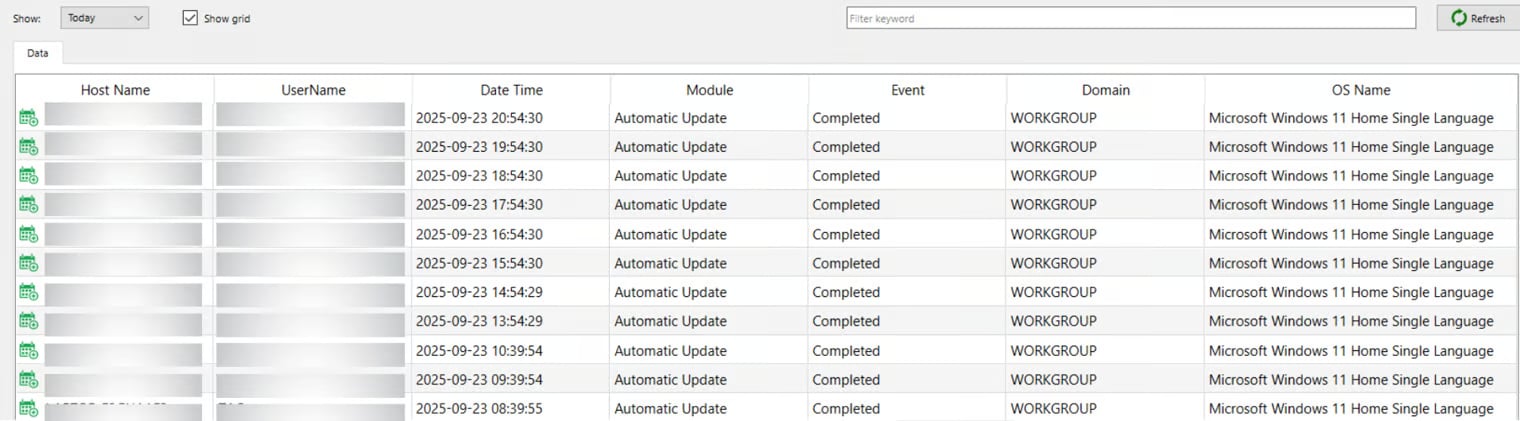
DOMAIN - If the company uses a centralized IT system (like Windows Active Directory), the domain shows which network the device belongs to.
OS NAME - The operating system the employee’s device runs on (e.g., Windows 11, macOS Ventura, Ubuntu Linux).
IP ADDRESS - The internet/network address of the device, which helps locate where the employee connected from.
TIMEZONE - The local time zone of the employee’s device, confirming their region and aligning activity logs correctly.
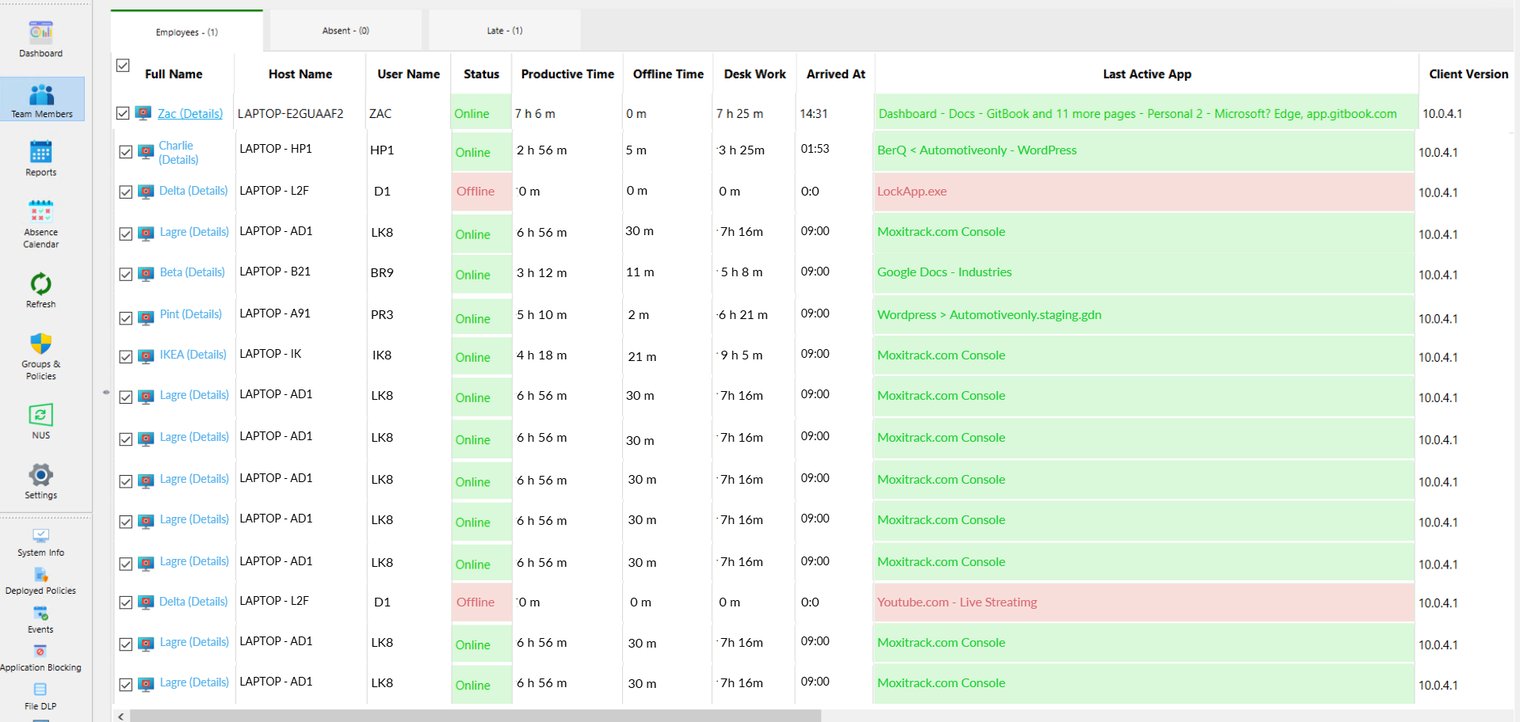
Moxitrack's Team Members
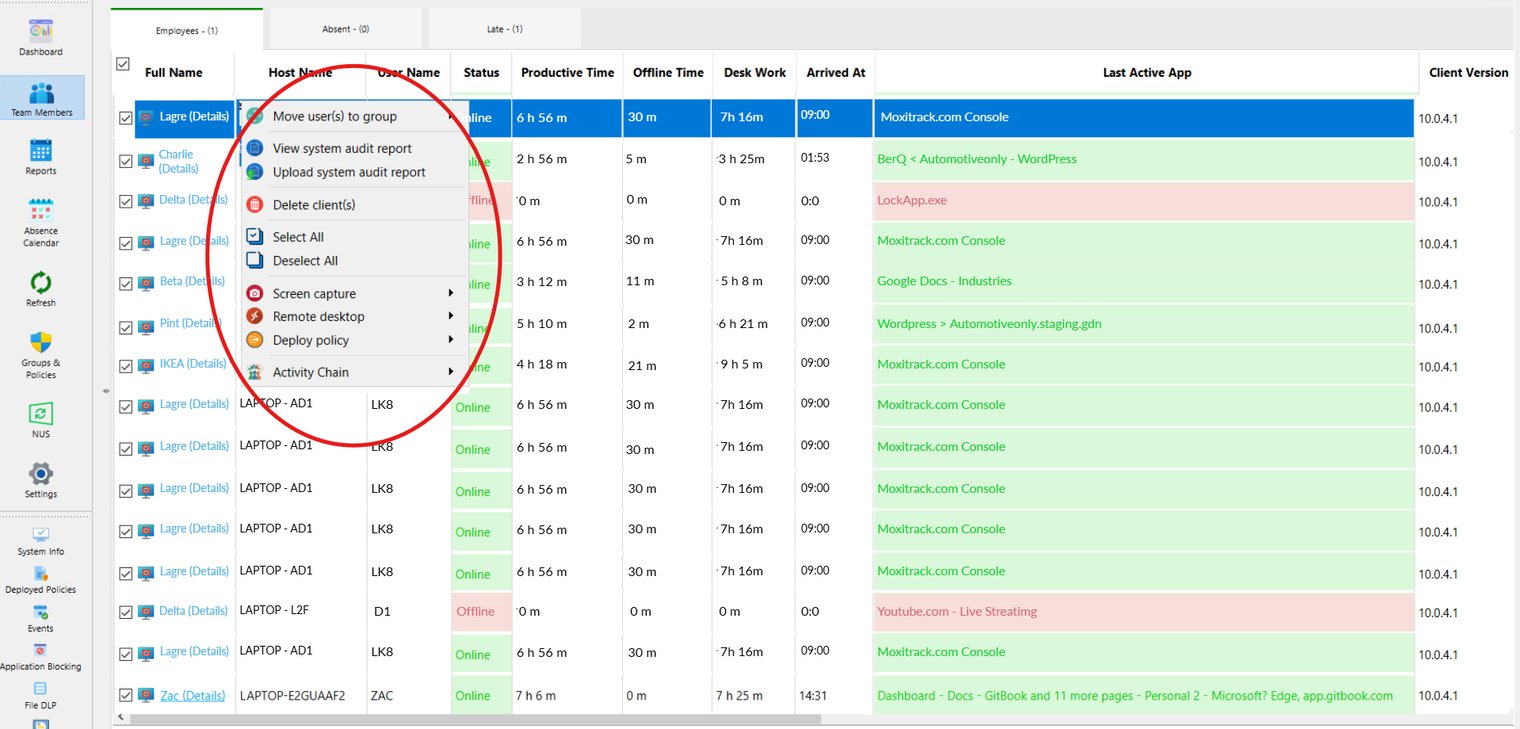
The monitoring system comprises multiple features drawn from Activity Chain, combining its core tools to offer comprehensive oversight and analytics.
Deployed Policies

Events
Title Insight

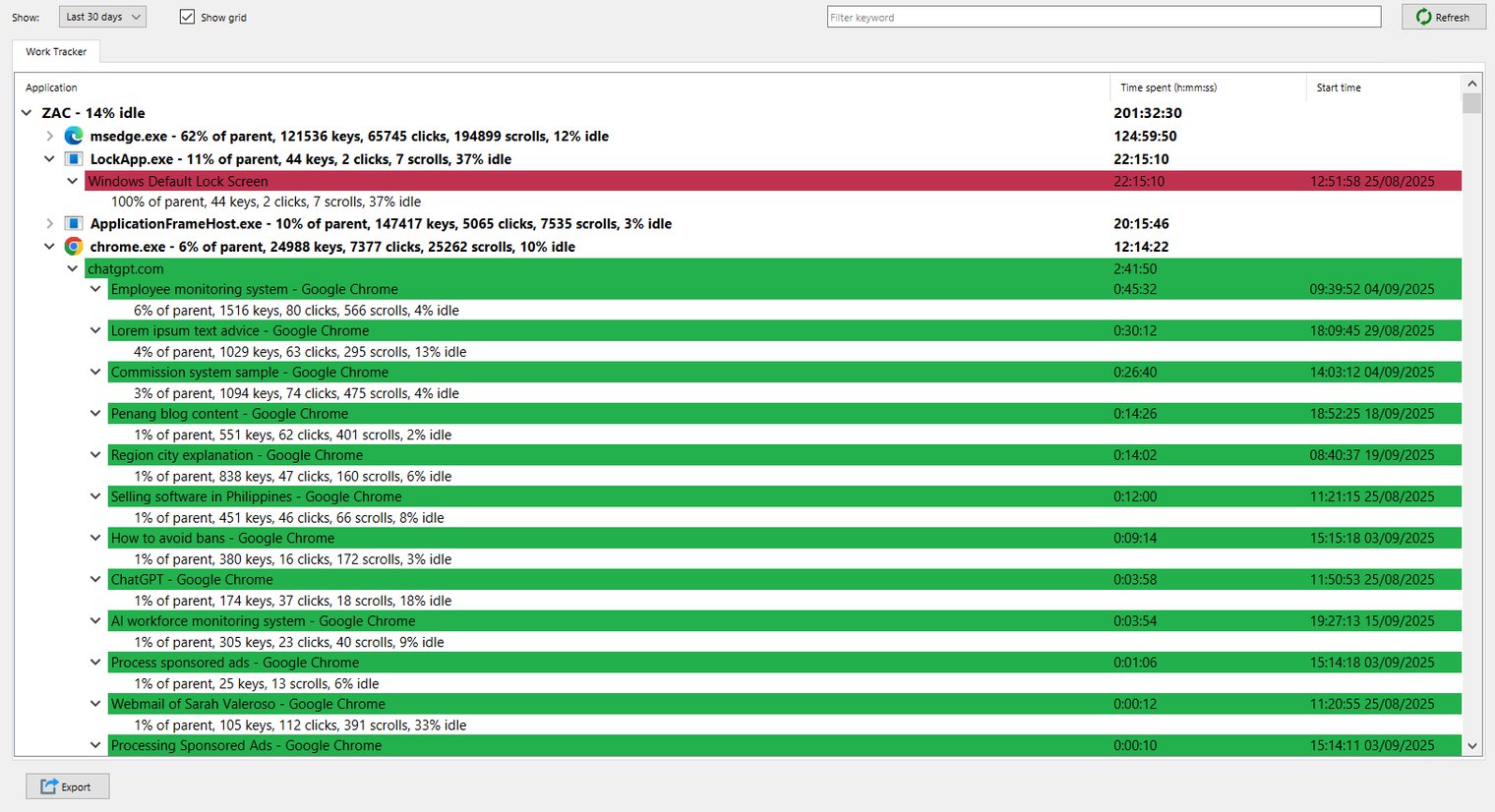
Work tracker
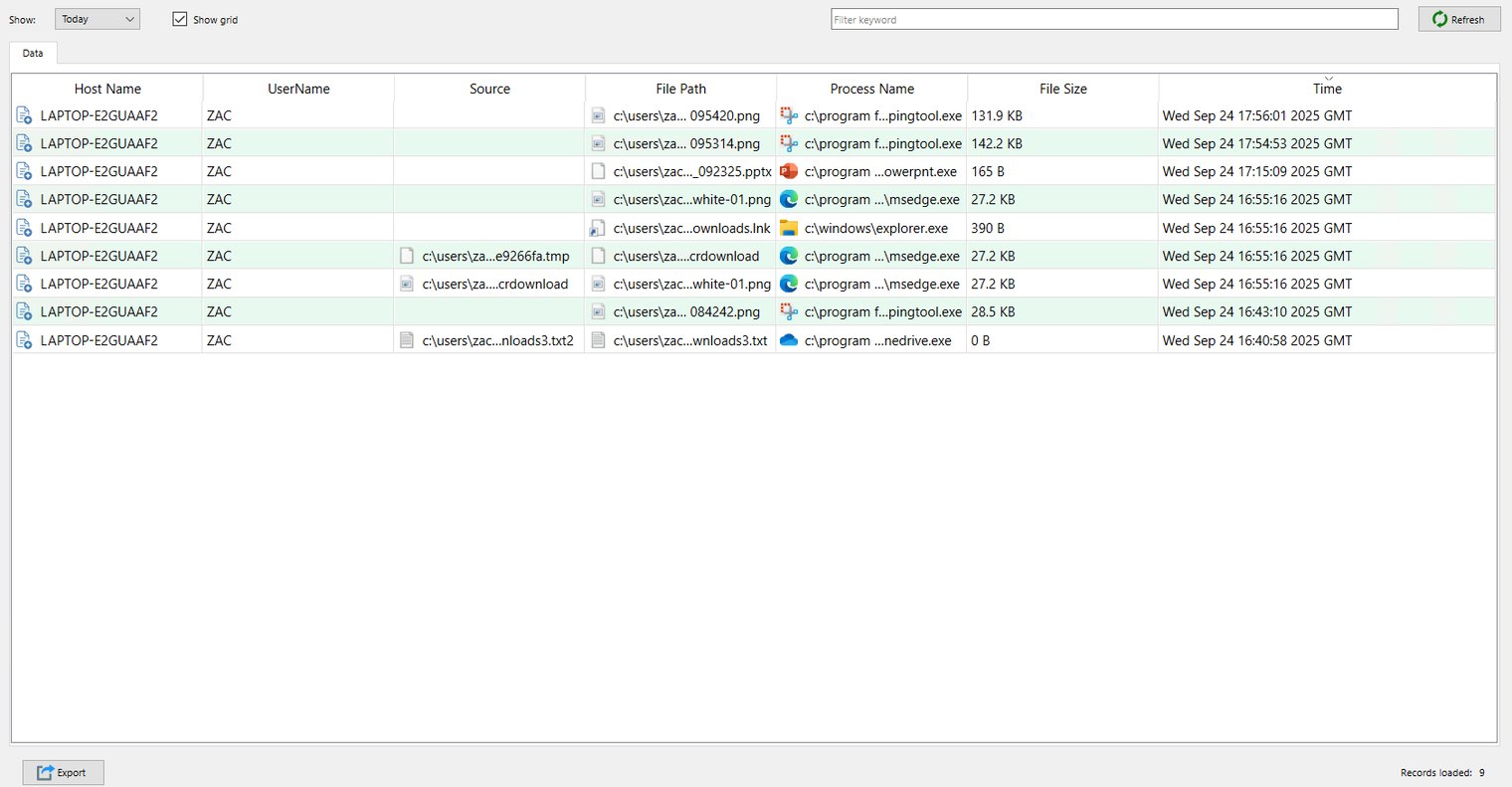
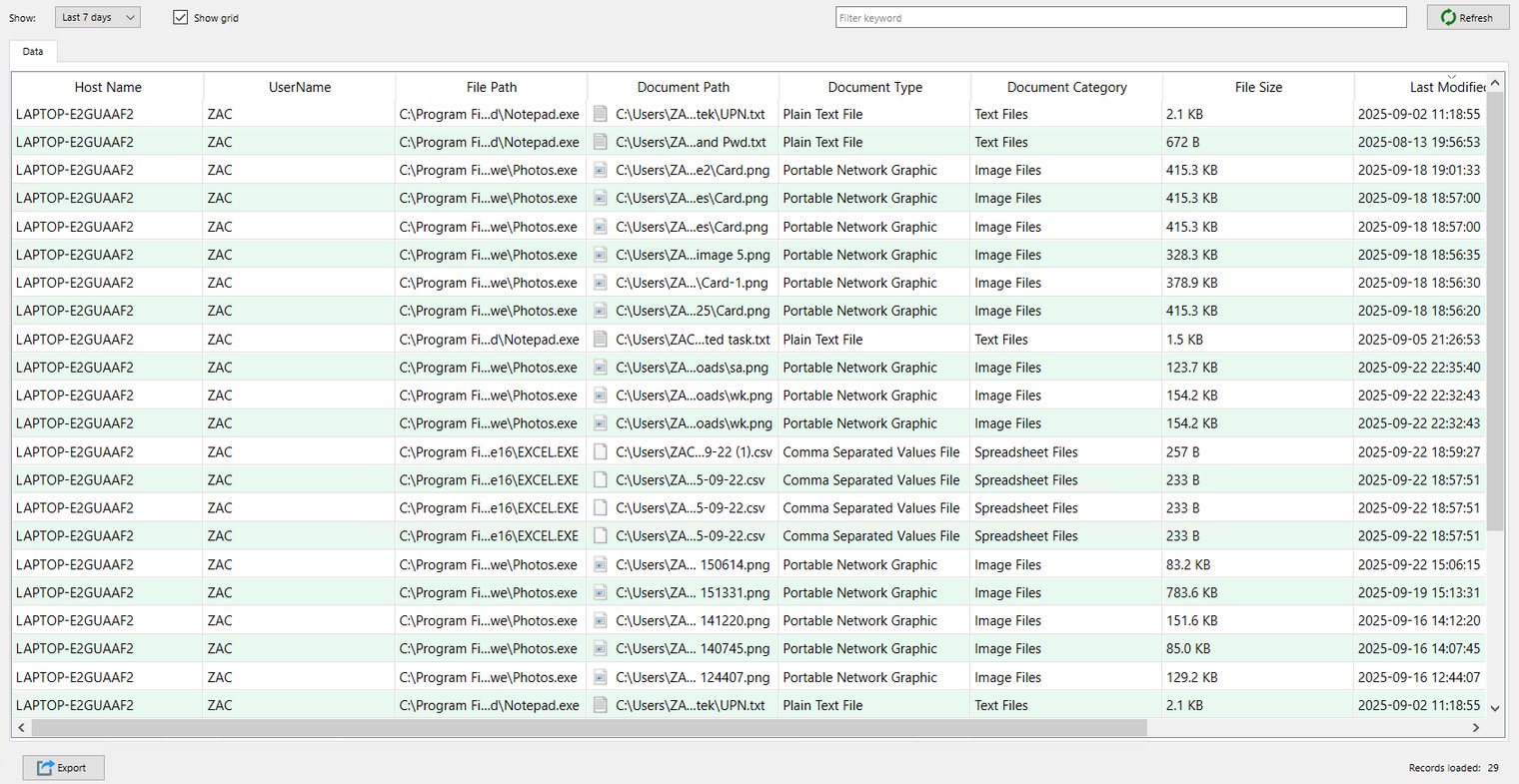
File DLP
Screenshots - With the Proofsnap.AI technology
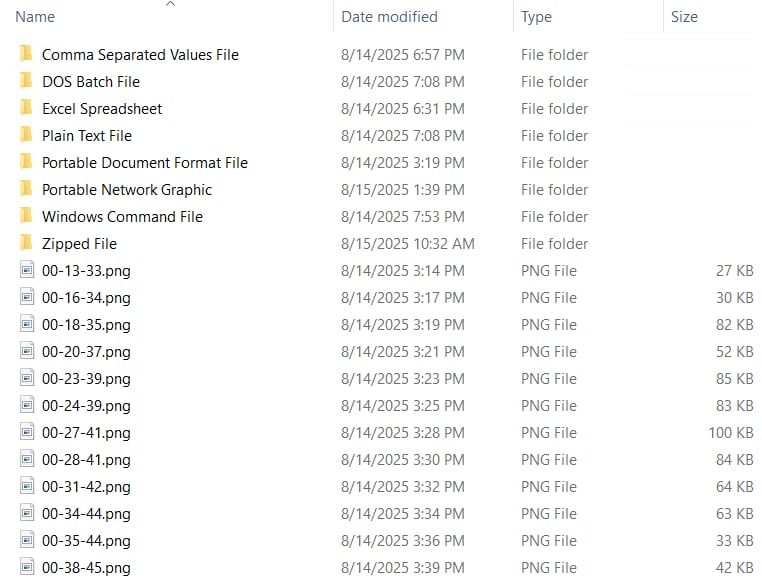
Proofsnap.ai History
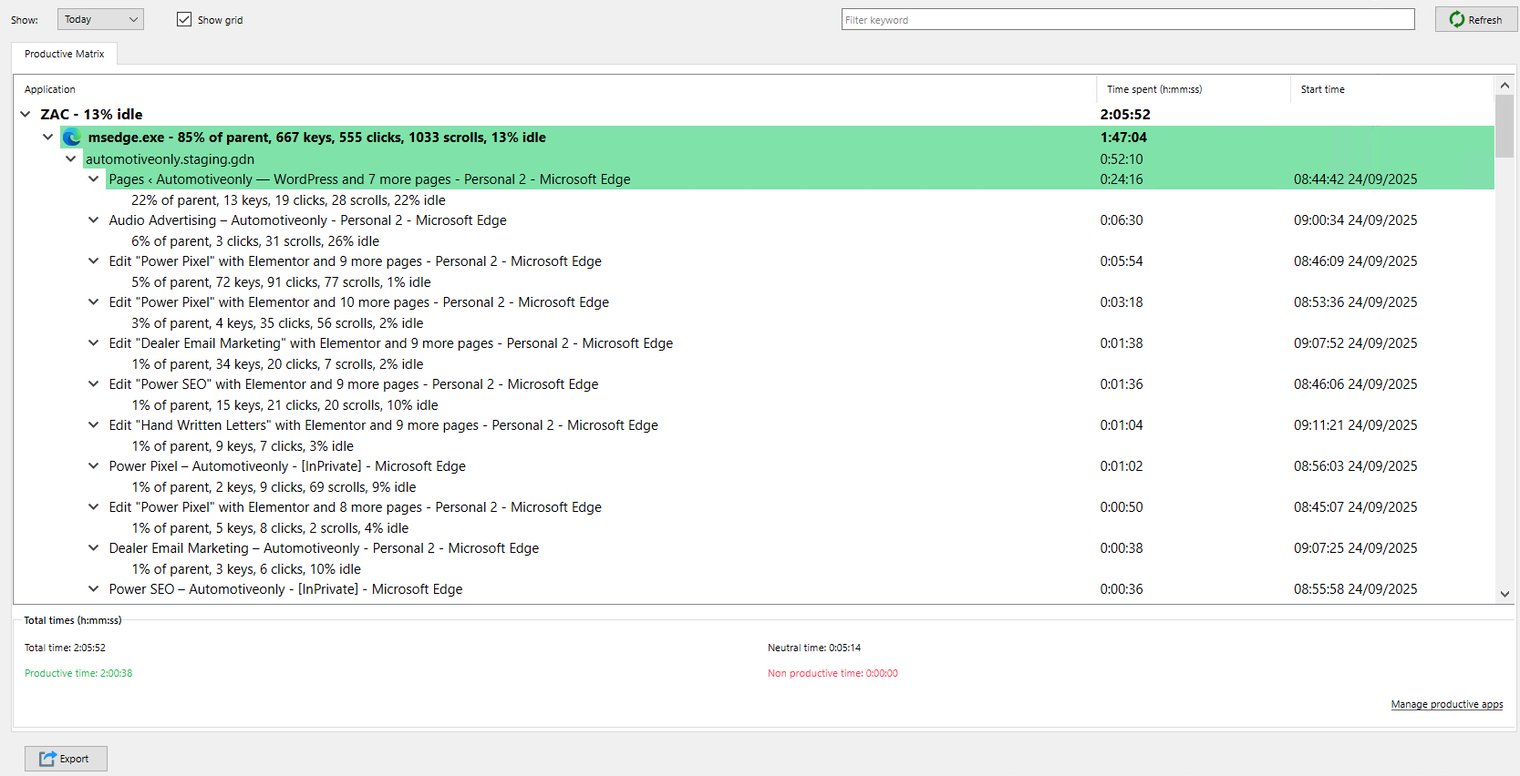
Productivity Matrix
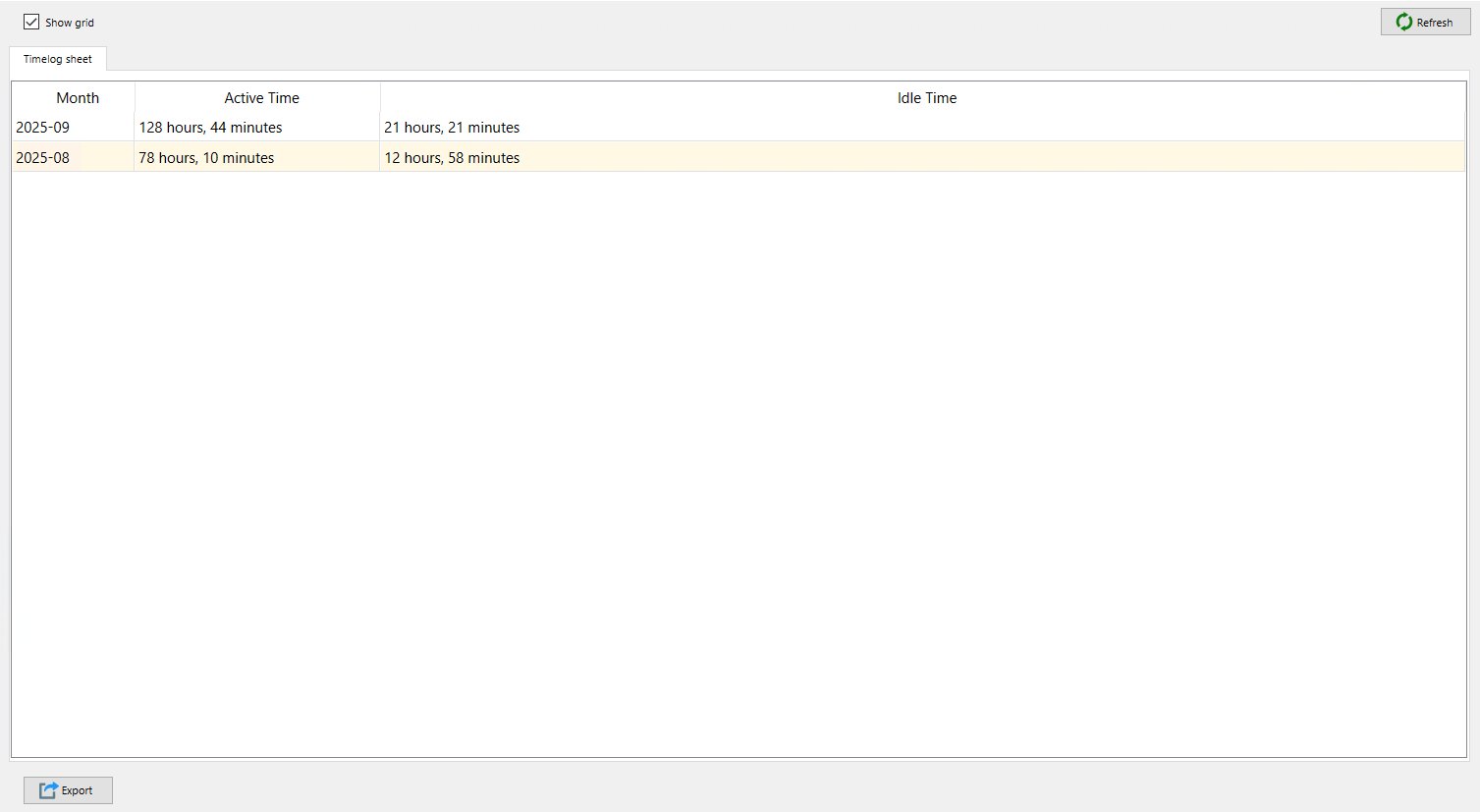
Timelog sheet