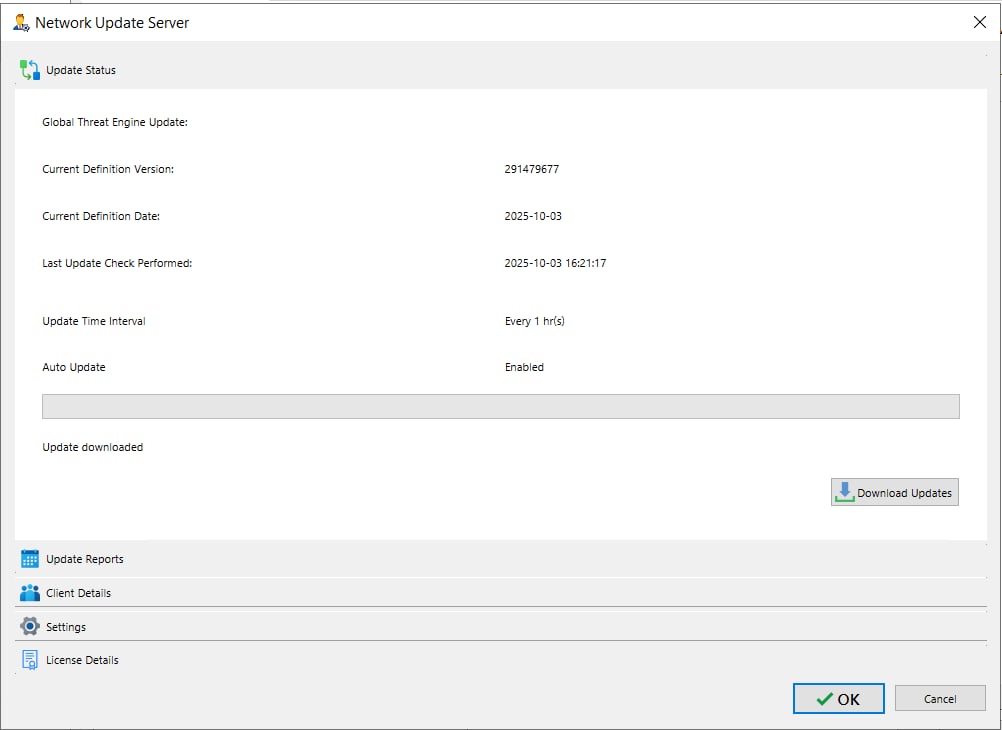
Update Status displays each Agent client's current update information — definition version and date, last update check, update interval, and auto-update status. Admins can manually trigger updates with the "Download Updates" button.
This helps admins confirm client agent are up to date, identify devices with outdated definitions or failed checks, prioritize remediation, ensure consistent protection across the network, and maintain compliance through centralized update control and reporting.