Moxitrack boosts productivity transparency and security. It requires two components: the Admin Console and the client agent.
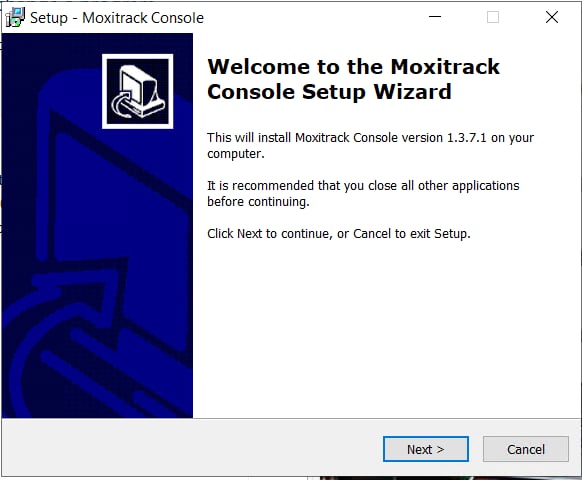
To get started Install Admin Console:
You can install the admin console through the link sent to your email.
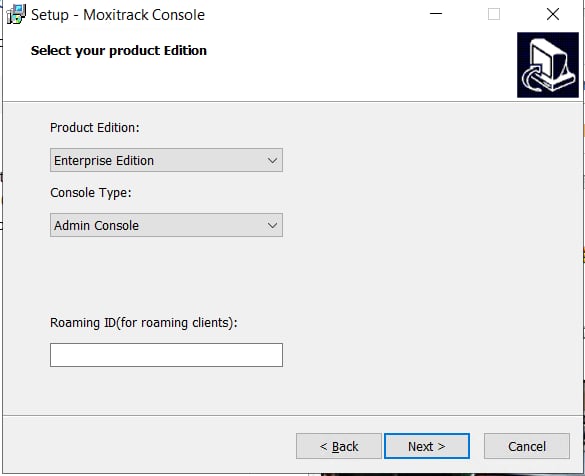
Choose the Product edition that you'll be using for the admin.
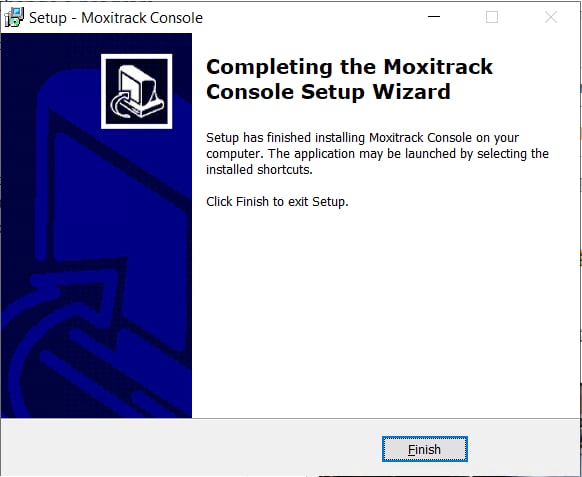
Once the set up is done you should receive a notification message and just click "Finish".
The Admin Console implements and monitors the entire system, aggregating web and app usage, screenshots, and ProofSnap.AI data, while providing centralized controls for policies, user management, scheduling, logs, and update deployment.
